
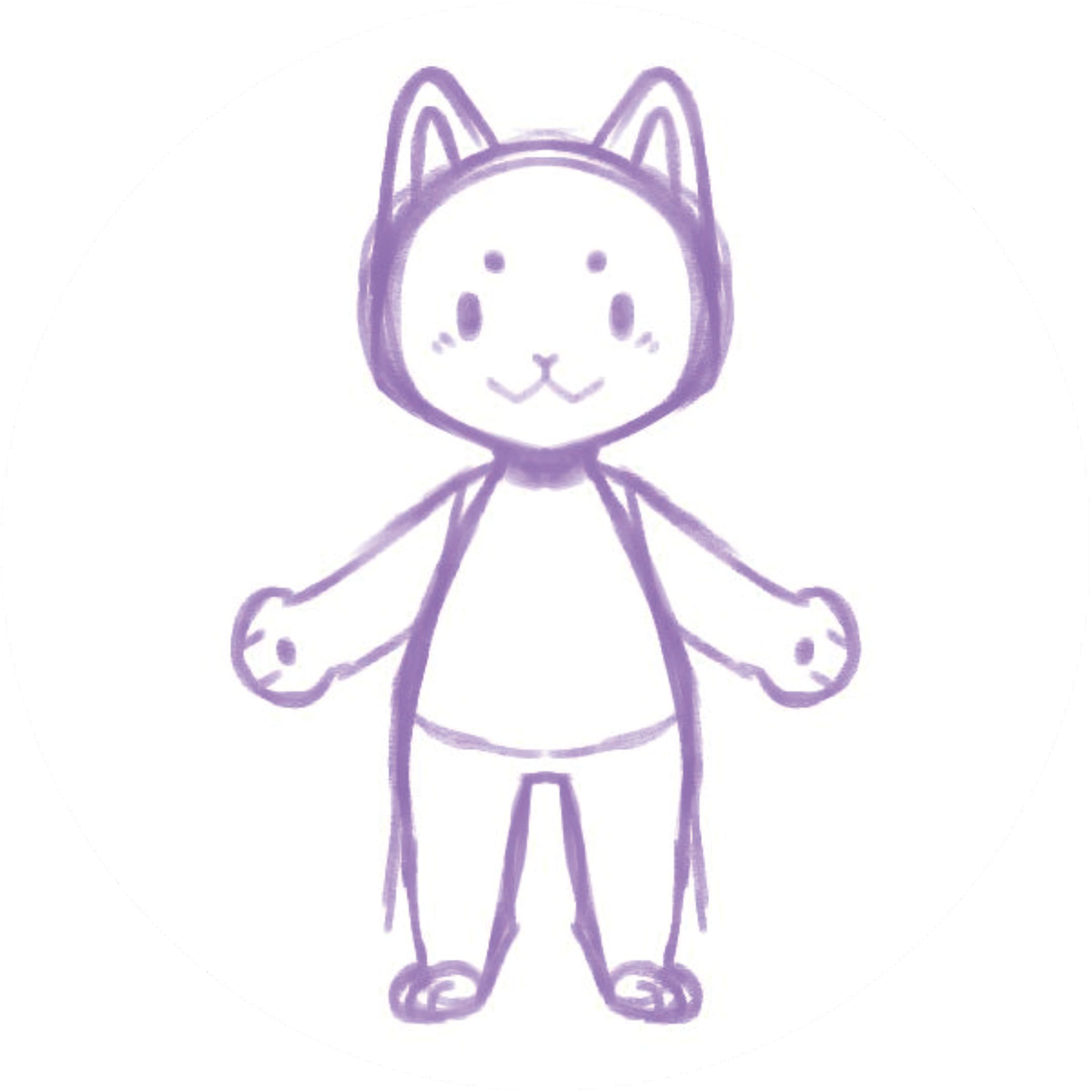
A drawing animation workshop gives participants a chance to create a character on paper and then see it move. It can be a starting point for talking about character design, storytelling and the relationship between physical artwork and digital tools.
The activity doesn't require every drawing to look alike. The interesting part is seeing how different characters suggest different stories and movements.
Choose one outcome for the session
Decide what participants should make or discuss by the end. You might ask each person to create a character and choose a movement, or invite a group to imagine a short scene around several characters. Keep the goal small enough for people to spend time drawing as well as experimenting.
For a first session, the organizer can test the full process with a sample drawing before inviting participants. That helps reveal how much time your devices, network and chosen workflow actually need.
Gather the materials
A simple setup might include paper, drawing tools, a camera or device to photograph the drawings, and the computers or devices needed for the animation workflow. Check that each device can access the service and that any accounts or subscriptions are ready before the workshop.
If you're considering Hasho, the website needs an internet connection to build a new character. For a venue that needs offline operation, contact the team with your devices and setup so support can be confirmed in advance. Explore Hasho for educational workshops.
A flexible activity outline
Adapt the timing to your group and the time it takes to run your setup:
- Imagine: Ask participants who their character is and what it likes to do.
- Draw: Give them time to create a character with familiar materials.
- Prepare: Photograph the artwork clearly and check that the character is visible.
- Animate: Upload the drawing through the chosen workflow and try an available motion.
- Share and reflect: Invite participants to describe what they made and how the motion changes the character's story.
A facilitator can demonstrate first, then help the group one drawing at a time if devices are limited. Keep a paper-only activity available if someone prefers not to upload their artwork or a device is unavailable.
Plan for privacy and consent
For activities involving children, an adult organizer should manage the account and contact process. Avoid putting names, photographs or other identifying details on uploaded artwork. Before the session, check your organization's consent procedures and discuss storage and deletion requirements with the service provider.
Do not assume a particular retention period or permission to share participants' creations. Agree on those details with the people responsible for the activity before taking pictures or publishing examples.
Review what worked
After a pilot, note how long setup and uploads took, whether participants could see their work clearly, and where they needed help. Save a checklist for next time. If you share a workshop story publicly, obtain the appropriate permission and describe the actual activity rather than promising a particular learning outcome.
Planning a class, museum activity or event? Tell the Hasho team about your setup.
