
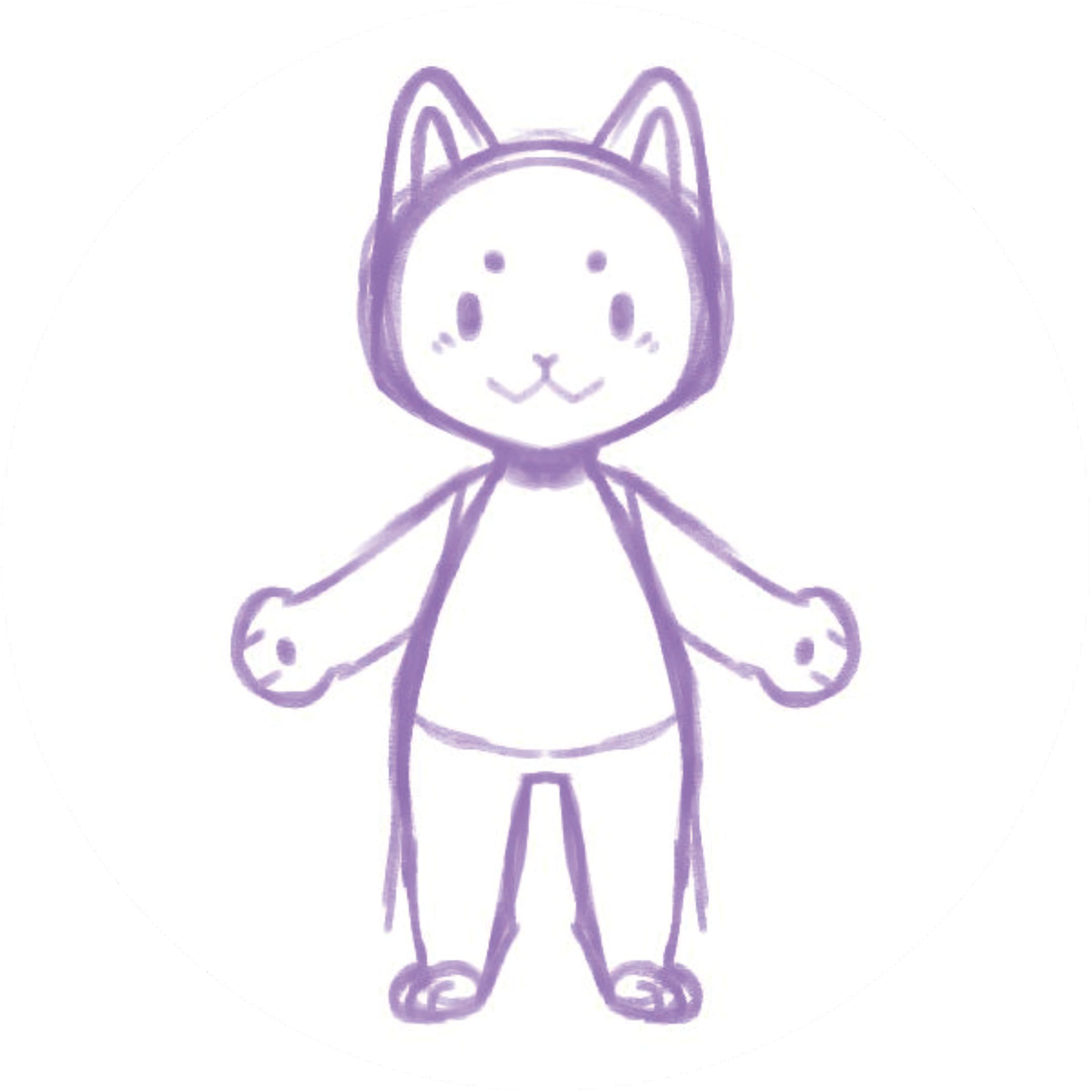
A character can look wonderful on the page and still surprise you when it starts to move. A hand might overlap the body, a pencil line might disappear in a photo, or a tiny accessory might be hard to see during a fast motion. Preparing a drawing for animation is about noticing those details before they become distracting.
You don't need to redraw a character from scratch. Start with the artwork you already like, make a clear image of it, and use a short animation test to see what needs attention.
1. Start with artwork you can use
Choose an original character or artwork you have permission to animate. Keep an untouched copy of the original, especially if you're working with a commissioned illustration or a design you plan to use elsewhere.
For a first test, use one character that is easy to distinguish from the surrounding image. A simple test can tell you a lot before you spend time refining a more detailed scene.
2. Take a clear photo or export an image
For a paper drawing, place the page in even light and photograph it straight on. Check the picture for shadows from your hand or phone, glare, and parts of the character that fall outside the frame. Crop unnecessary surroundings while leaving a little room around the drawing.
For digital art, export an image in a format supported by the tool you're using. Keep your editable source file separately so you can return to it. Check the upload screen for current size and file-format requirements before choosing an export.
3. Look at the silhouette
Shrink the image on your screen and ask: can I still make out the character's body, arms, and legs? If two parts overlap closely, try a second version with a little more visual separation. This is a useful experiment, not a requirement that every character must have the same pose.
Look for details that carry the character's personality—a fringe, glasses, a distinctive tail or an uneven handmade line. Keep the original version, and compare it with any simplified version rather than assuming that less detail is always better.
4. Check lines, color and small details
Faint pencil lines can be difficult to see in a dark or uneven photo. Try adjusting the lighting or using a clearer scan. If the character blends into its background, a higher-contrast version can make the shape easier to review.
Small features deserve a second look at the size where the animation will be displayed. A detailed pattern may be lovely in a large illustration but hard to notice on a phone. Decide which details need to remain prominent for your project.
5. Try a motion and review the result
Upload the image to your animation workflow and start with a simple movement. In Hasho Studio, an eligible account can upload a character image and preview available motions. Building a new character through the website requires an internet connection.
Watch the whole character first, then check hands, feet, overlapping parts and accessories. Does the movement still feel like your character? If not, make one change to the source image and try again. Changing one thing at a time makes it easier to understand what helped.
6. Choose the output for your project
A small looping animation, an interactive website character and a classroom activity have different needs. Check which formats and features are available in your edition before planning the final result. For a walkthrough of the basic process, read How to Animate a Drawing with Hasho.
The best preparation is a clear first image and a willingness to review the result. Keep the marks that make the character yours, test a motion, and adjust only what your project needs.
