
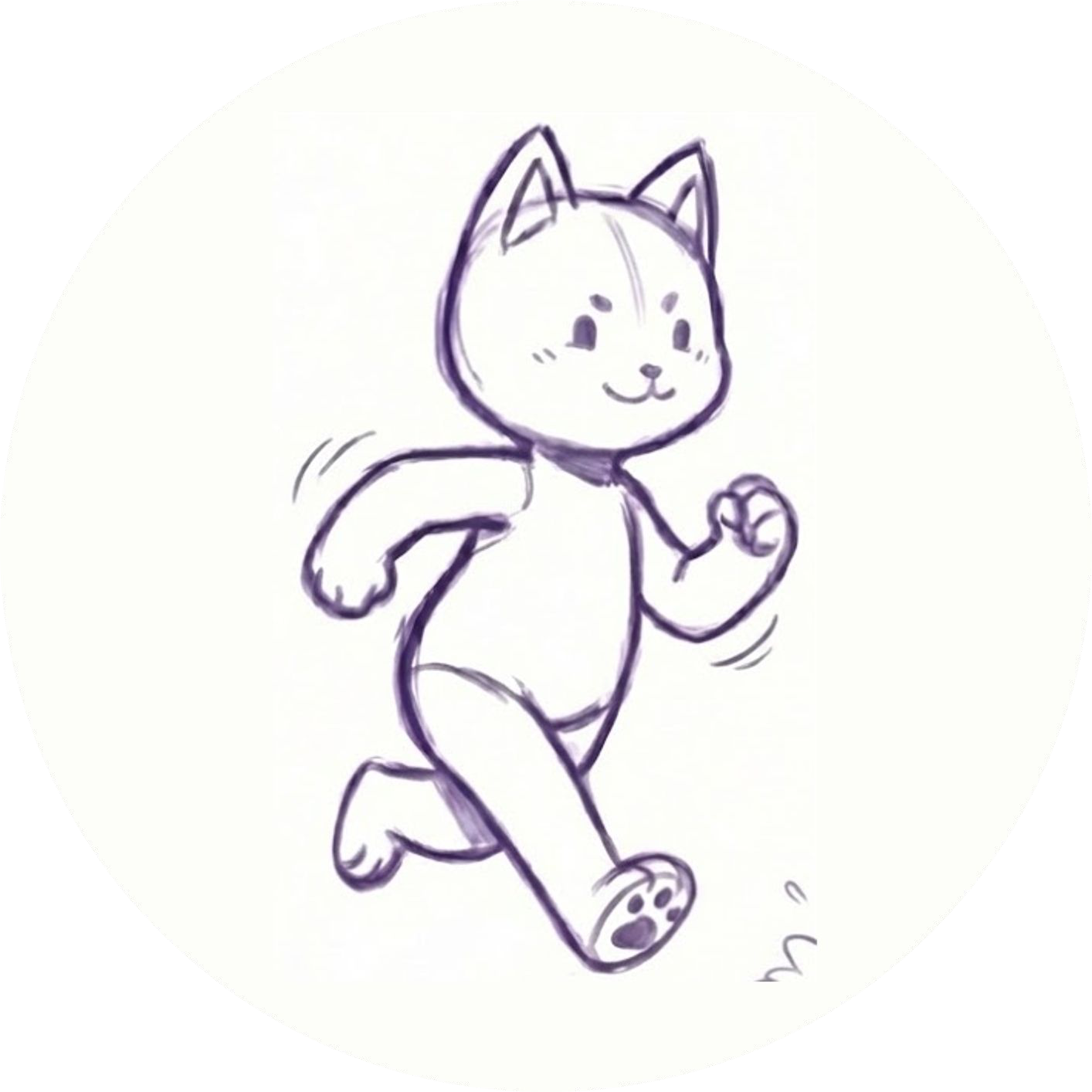
A moving illustration doesn't have to be complicated. A small walk, a pause or a dance can give an original character a new role in a story. The useful question isn't “How much movement can I add?” It's “What should this character feel like when it moves?”
Here's a way to animate an illustration while keeping your artistic choices at the center of the project.
Start with the character's job
Before choosing an animation, decide where the illustration will appear. A character introducing a portfolio might need a calm, welcoming gesture. A mascot for an event could use a more energetic entrance. A character in a short visual story might need a movement that helps the viewer understand what happens next.
Write down one sentence: “This character should make the viewer feel ___.” That sentence can guide your choice of motion, speed and placement.
Choose one movement to try first
A simple first motion gives you a baseline. Try a walk for a character who is going somewhere, a dance for a playful reveal, or a gentle idle motion for a character that needs to stay present without distracting from the page.
You don't have to use every available motion. Watch the result alongside the original illustration. If the pose or energy feels wrong, try another movement or adjust the source image and compare the two.
Protect the details that make it yours
Look at the character at both full size and the size your audience will actually see. Can you still recognize the face, outline and important accessories? Does the movement draw attention to the right part of the illustration?
A motion can look different depending on the drawing. If a hand blends into the body, or a small detail becomes difficult to follow, make a copy of the artwork and experiment with clearer spacing or contrast. Keep the original so you can return to it.
Decide whether you need a loop or an interactive character
For a short repeating result, an animated image may be enough. If you want a character on a website to respond to visitors, you'll need a website workflow and an integration suited to that experience. These are different goals, so decide where the work will appear before choosing a format.
Hasho begins with a drawing or character image and lets you try available motions. Available export formats and features depend on the edition. The website mascot workflow is intended for projects that need a character on a site.
Review before you share
Check the beginning and end of a repeated motion for an abrupt jump. Preview at phone size as well as desktop size. If the character sits near text or a button, make sure the movement doesn't cover the thing a visitor needs to use.
Use your own artwork or artwork you have permission to animate. If you are publishing a collaborator's character, agree on where and how the result will be used before sharing it.
Want to prepare the image first? Read How to Prepare a Character Drawing for Animation. To see the basic upload and preview workflow, visit How to Animate a Drawing with Hasho.
