
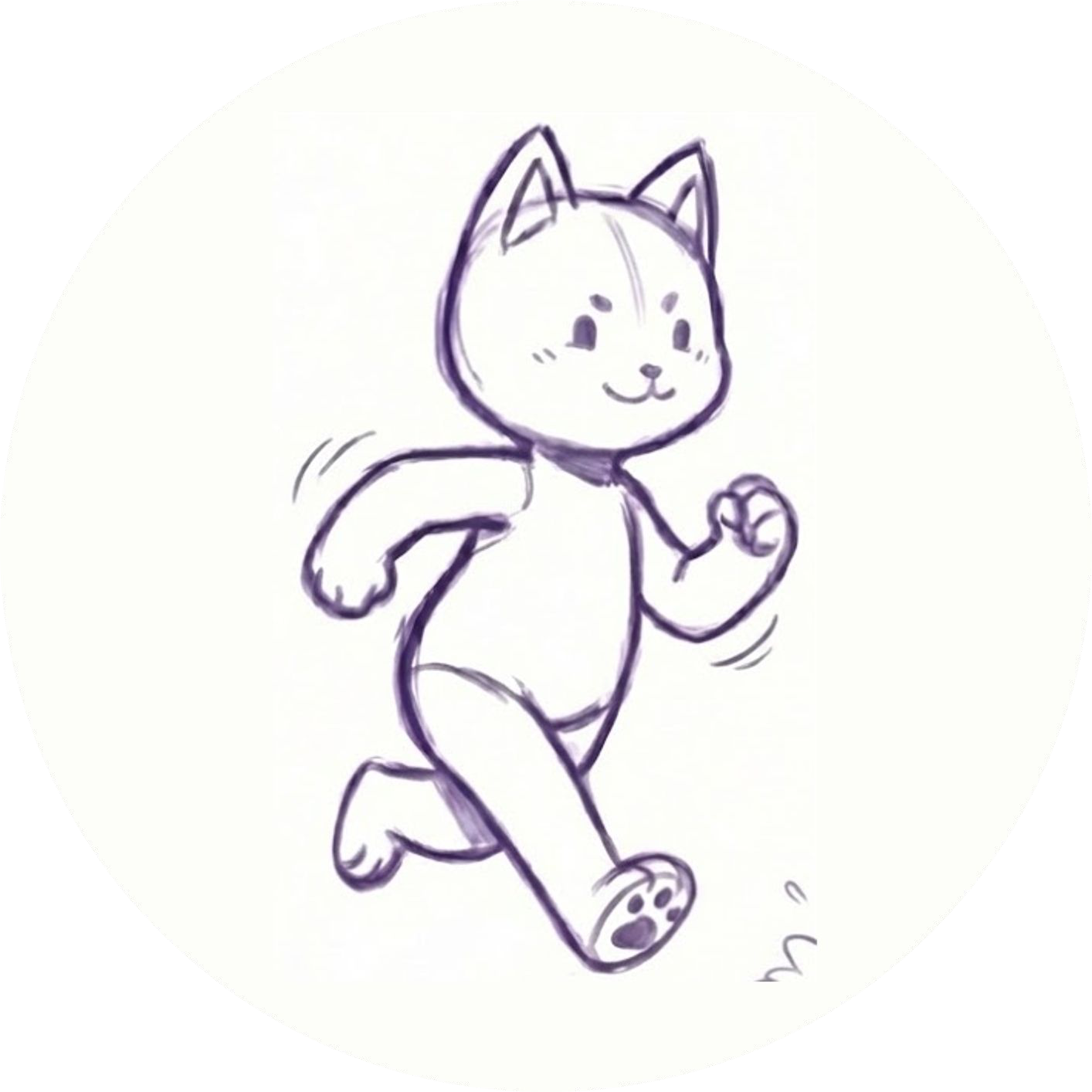
When you see a drawing walk or dance, it can look as though a flat image has somehow learned to move. Behind the result is a sequence of steps: identifying the character, preparing a structure for movement, applying its appearance and then previewing a motion.
Hasho's character engine is designed to start with a drawing or character image. Here's a plain-language look at the workflow and the choices that still belong to the artist.
Start with a character image
A character might begin as a pencil drawing on paper or as a digital illustration. The artist chooses the image to use and reviews whether the shape and details are visible. A clear photograph or export gives the workflow a useful starting point; the exact result will still depend on the artwork.
If you're working with a hand-drawn character, keep a copy of the original. You can compare it with the moving result and try a revised image if a part doesn't move as expected. These preparation tips cover the first checks.
Map the character for movement
To animate a character, a system needs a way to understand which parts should move together. Hasho's engine builds a joint and skin map, then uses that information to prepare a character rig. You can think of a rig as a structure that helps describe how a character can be posed.
This mapping is not the same as the artist's creative decision about what a character should look like. It is a technical step that helps make the supplied character move. Complex shapes and overlapping details can behave differently, which is why previewing the result matters.
Connect the artwork to the moving structure
Hasho's engine is designed to build a 3D character rig and apply the drawing's texture to produce its illustrated appearance. This approach aims to carry the source artwork into the moving character; it doesn't guarantee that every line or detail will appear exactly as expected in every pose.
The important comparison is your own original beside the preview. Look at the face, outline, colors and any details that make the character recognizable. If a small accessory or overlapping limb looks unusual, try a clearer source image or a different motion and review it again.
Choose a motion and give it context
Once the character is ready, try an available motion. A walk can suggest a journey; a dance can suggest celebration. The same artwork can communicate something different depending on the movement and where it appears.
For a creative project, you might want a short animated result. For a website, you may want a character that is integrated into a page. Available formats and features vary by edition and setup. Hasho's website workflow provides a .yusha character and web SDK for website projects; contact the team to confirm the integration you need.
What about connection and device requirements?
The website needs an internet connection to build a new character. Device, playback and offline requirements can differ by workflow, so check the current setup before planning a classroom, event or installation around offline use.
A moving character starts with an artist's idea, and the best way to judge a result is to try it, observe it and refine the artwork when needed. For the practical steps, read How to Animate a Drawing with Hasho.
